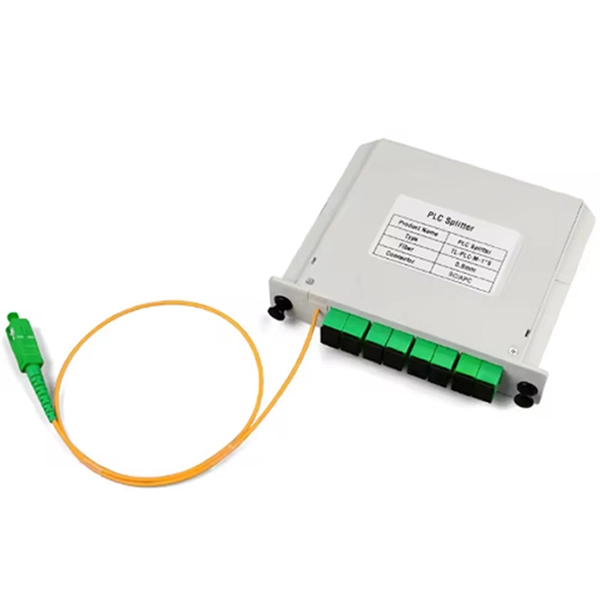
Proper installation and structured cabling of small network cabinets ensures reliable, scalable, and maintainable network performance.Cabinet Selection and Placement
Choose a cabinet size based on the equipment dimensions, weight, and future expansion needs. Ensure a minimum clearance of 1 meter in front for access, or 1.3 meters for deeper devices, and arrange cabinets in rows for neatness and airflow efficiency ( ). For in-wall cabinets, recessed designs save floor space while supporting switches, patch panels, and routers, and improve airflow management ( ). Raised floors should be positioned close to walls to enhance stability and safety.
Hardware and Cable Planning
Select professional-grade hardware including switches, patch panels, and firewalls. Use UTP cables for standard office environments and STP cables in areas with high electromagnetic interference ( ). Measure cable distances accurately to prevent waste and ensure compliance with distance specifications. Plan for redundancy and failover requirements to maintain network reliability ( ).
Structured Cabling and Management
Implement structured cabling to maintain organization, scalability, and safety. Use cable management accessories like vertical and horizontal organizers, cable ties, and labeling systems. Maintain proper bend radius to avoid signal degradation, and avoid mixing vendors to preserve warranty and performance ( ). Structured cabling reduces troubleshooting time, prevents overheating, and ensures compliance with standards such as ISO/IEC 27001, DIN EN 50174, and industry-specific regulations ( ).
Installation Steps
- Select a secure location for the cabinet with adequate ventilation and power access ( ).
- Plan network nodes and measure cable lengths.
- Install wall plates and cut precision holes for cable entry.
- Run cables through the infrastructure, maintaining separation from power lines to reduce interference.
- Terminate and connect devices to patch panels and switches.
- Test connections using certified equipment to verify signal integrity and performance ( ).
- Document the network including ports, IPs, VLANs, and device locations for maintenance and compliance ( ).
Airflow and Cooling
Install blind plates and cooling holes to prevent hot and cold air mixing, improving cooling efficiency ( ). Ensure proper spacing between cabinets to allow airflow and reduce equipment overheating.
Documentation and Compliance
Maintain detailed documentation of all cabling, devices, and network configurations. This supports maintenance, scalability, and regulatory compliance, particularly in regulated industries like finance or healthcare ( ). Include floor plans, rack elevations, test reports, and warranty certificates for a complete record ( ).
Best Practices
- Plan for future growth by installing extra ports and cable capacity.
- Avoid messy cabling to reduce downtime and simplify troubleshooting.
- Use certified testing equipment to validate installation quality.
- Maintain consistent vendor hardware to ensure compatibility and warranty coverage. Following these guidelines ensures that small network cabinets are efficient, safe, and ready for future expansion, providing a reliable backbone for your IT infrastructure.